.svg "it looked good online")
Disclosure: Some links in this article are referral links. If you sign up through them, I may receive a reward. My opinions are based on my actual experience using these services.
I am not a coupon person.
I admire coupon people. They have systems. They know when detergent is going on sale three weeks before the detergent knows.
That is not me.
But I do hate realizing I could have saved money after I've already bought something.
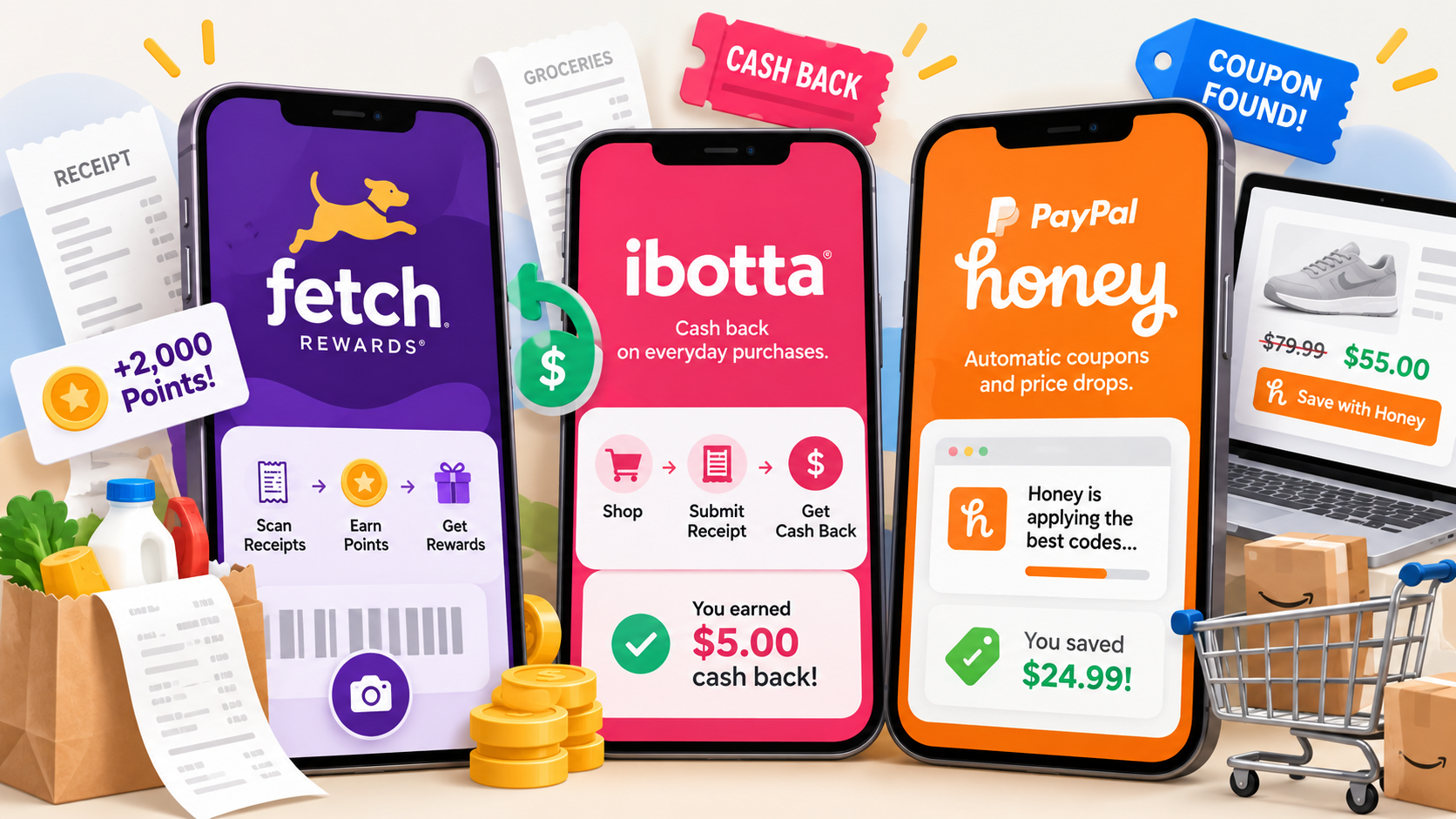
So over time, three savings apps have managed to earn a permanent place in my shopping routine: Fetch, Ibotta, and PayPal Honey.
I use all three regularly, but they don't really do the same job.
And that's the part I think gets lost when people compare them. The question isn't necessarily which one is "best." It's which one requires an amount of effort you're actually willing to make for the money you're going to save.
For me, the answer is different for each one.
Fetch vs. Ibotta vs. PayPal Honey: The Short Version
Fetch: The easiest. I buy something, scan the receipt, earn points. Online purchases can count too. It takes almost no time, which is probably the main reason I've kept doing it.
Ibotta: More like clipping coupons, except you select offers digitally and get the value back as cash after buying the qualifying product. It can offer more meaningful savings on individual items, but it requires more intention.
PayPal Honey: The one I use while I'm already shopping online. It checks for coupon codes, can track prices on things I'm watching, and can earn PayPal Rewards on eligible purchases. Occasionally it finds almost nothing. Occasionally it finds four more dollars and suddenly I'm acting like I've made an excellent financial decision.
They each save money differently, which is why I still use all three.
PayPal Honey: Best for Low-Effort Online Savings
PayPal Honey, formerly just Honey, fits most naturally into the way I already shop online.
The browser extension can automatically test available coupon codes at checkout instead of making me search for codes myself. It also has a Droplist feature for tracking prices and notifying you when something you're watching drops in price.
And on Amazon, Honey can show price history and compare available sellers to help determine whether you're actually looking at the best price.
Basically, it does several versions of something I appreciate very much:
checking so I don't have to.
Honey also participates in PayPal Rewards, so eligible purchases can earn points in addition to whatever discount Honey finds.
What I like most, though, is that I don't have to turn saving money into a separate hobby.
A recent example pretty much sums up why I keep it installed.
During Deal Days, I was ordering shampoo and conditioner refills. The website already had a promotion running, so I assumed I was getting a decent deal.
Then I thought, let me just click the Honey extension and make sure.
It found another discount.
Almost another $4 off.
Was this a life-changing amount of money?
No.
Did I feel disproportionately victorious about it?
Absolutely.
Because I was already buying the products. I already had the website's sale price. Honey just found money I would otherwise have left sitting there.
That's where I'm at financially. Apparently four unexpected dollars now qualifies as an event.
What I Like About PayPal Honey
It's mostly passive. I can check for promo codes at checkout, track a price if I'm waiting to buy something, and potentially earn rewards without changing what I planned to purchase.
What I Don't Like About PayPal Honey
Not every retailer participates. There is a large selection, but every once in a while I shop somewhere where Honey doesn't have anything to offer me.
Who PayPal Honey Is Best For
Someone who shops online and wants a relatively low-effort way to check prices and discounts without manually hunting for promo codes.
If you join through my link and make a qualifying purchase, I may receive a referral reward.
Fetch: Best for Rewards With Almost No Extra Effort
Fetch works differently.
I buy something. I have a receipt. I scan it.
That's basically the system.
You don't have to search through offers and select them before every shopping trip just to earn basic Fetch points. Physical receipts earn base points, and eligible online purchases can earn points through connected eReceipts.
There are special offers that can earn substantially more points, so you can put more effort into Fetch if you want to.
I generally appreciate it for the opposite reason:
I'm already buying the thing.
I'm not rearranging my shopping list or trying to remember an elaborate coupon strategy. I can scan a receipt I already have and get something back for it.
That's an amount of effort I can commit to.
The downside is that basic receipts don't earn a huge number of points. If you're mostly scanning regular receipts and not taking advantage of bonus offers, those points can accumulate slowly.
And unlike Ibotta's cash-back system, Fetch rewards are redeemed through its rewards system rather than simply turning into cash I can transfer out.
What I Like About Fetch
Almost every purchase gives me a reason to scan the receipt, I don't have to pre-plan my shopping, and doing it takes almost no time.
What I Don't Like About Fetch
The base points can add up slowly, and there isn't a direct cash payout. I have to redeem my points for rewards such as gift cards.
Who Fetch Is Best For
Someone who wants to get something back from purchases they're already making without having to plan their shopping around specific offers.
If you join through my link and complete the qualifying activity, we may both receive Fetch points. Current referral offers can change.
Ibotta: Best for More Intentional Cash Back
Ibotta is the closest of the three to traditional couponing.
Except instead of clipping something out of the Sunday paper while wondering where the last 30 years went, you select eligible cash-back offers digitally.
You browse the available offers, add the ones that match what you're buying, purchase the qualifying products and receive the value back as cash.
Depending on the retailer, Ibotta can verify the purchase through a submitted receipt or a linked loyalty account.
So compared with Fetch, Ibotta asks a little more of me.
I have to actually look at the available offers and see whether anything I'm buying qualifies.
But there is a reason to make that effort.
Ibotta deals are attached to particular products, and an individual offer can be worth considerably more than the base points I get for scanning an ordinary receipt into Fetch.
And Ibotta rewards me in actual dollars and cents. Once I meet the withdrawal requirements, I can withdraw my earnings to an eligible bank account or PayPal. Ibotta currently requires at least $20 in earnings before I can withdraw.
So I think about the two very differently.
Fetch says: you bought something. Give me the receipt.
Ibotta says: if you're willing to look first, I may have actual cash back on something you're buying.
The catch is that the offers are often tied to specific brands, sizes or varieties.
And this is where I refuse to lose the plot.
If I normally buy the $3 store-brand version of something, I'm not buying the $6 name-brand version because an app offered me $1 back.
Congratulations. I have now spent two additional dollars in pursuit of savings.
That is not the system working.
What I Like About Ibotta
The savings on qualifying products can be more substantial, and the reward is actual cash rather than points I need to convert into another type of reward.
What I Don't Like About Ibotta
It requires more attention. I need to look for applicable offers, make sure I'm buying the exact qualifying product and remember to redeem it properly. There's also a $20 threshold before I can withdraw my earnings.
Who Ibotta Is Best For
Someone willing to spend a little time checking available offers, especially on groceries and household purchases, in exchange for potentially higher cash-back value.
Why there isn't an Ibotta referral link here: I'm not publishing my personal Ibotta referral code because Ibotta's current referral terms restrict publishing personal referral codes on public websites to refer people you don't personally know.
You can still visit Ibotta directly if you want to see whether its current offers make sense for the way you shop.
Can You Use Fetch and Ibotta on the Same Receipt?
In many cases, yes.
Fetch and Ibotta are doing different things, so the same shopping trip may qualify for both.
For example, I can submit a receipt to Fetch for points and also use Ibotta for an eligible cash-back offer from that purchase.
There can be restrictions on individual offers, particularly when other coupons or retailer rewards are involved, so I still check the terms of the specific Ibotta offer rather than assuming everything stacks.
But I don't generally think of Fetch and Ibotta as competing for the same receipt.
One rewards the purchase.
The other may reward something specific I bought.
Fetch vs. Ibotta vs. PayPal Honey: Which One Is Worth Using?
For me, this isn't really a Fetch versus Ibotta versus PayPal Honey situation.
They sit at different points in the purchase.
PayPal Honey helps me before and during an online purchase by tracking prices, checking for coupon codes and offering rewards on eligible purchases.
Ibotta can give me actual cash back when something I'm buying matches an available offer.
Fetch lets me earn points from receipts for purchases I've already made with almost no planning.
And that's why all three have survived on my phone/browser instead of getting deleted during one of my periodic attempts to pretend I'm a person who keeps her digital life organized.
The bigger question is how much work you're willing to do.
If saving 50 cents requires me to create an entirely new administrative department in my life, we're going to have a problem.
If I can click a browser extension, select a worthwhile offer or scan something I already have and get real money or rewards back?
That I can work with.
The Bottom Line
Use PayPal Honey if: you shop online and want something to check promo codes, watch prices or surface additional savings without requiring much extra work.
Use Fetch if: you buy things. Period. Online or in-store, you can earn points from eligible purchases with almost no extra effort.
Use Ibotta if: you're willing to do the digital version of clipping coupons in exchange for actual cash back on qualifying purchases.
Use all three if: you're willing to give each one a different job instead of expecting one app to catch every possible savings opportunity.
Because buying just about anything now requires a diversified savings strategy.